You can see the whole history of a single user visits within your retention period. To do so:
- Log into your CUX account.
- Go to Visits and select a user’s visit you would like to play.
- If this user has made other visits to your website within the retention period, you’ll see this info displayed on a visit information panel on the left.
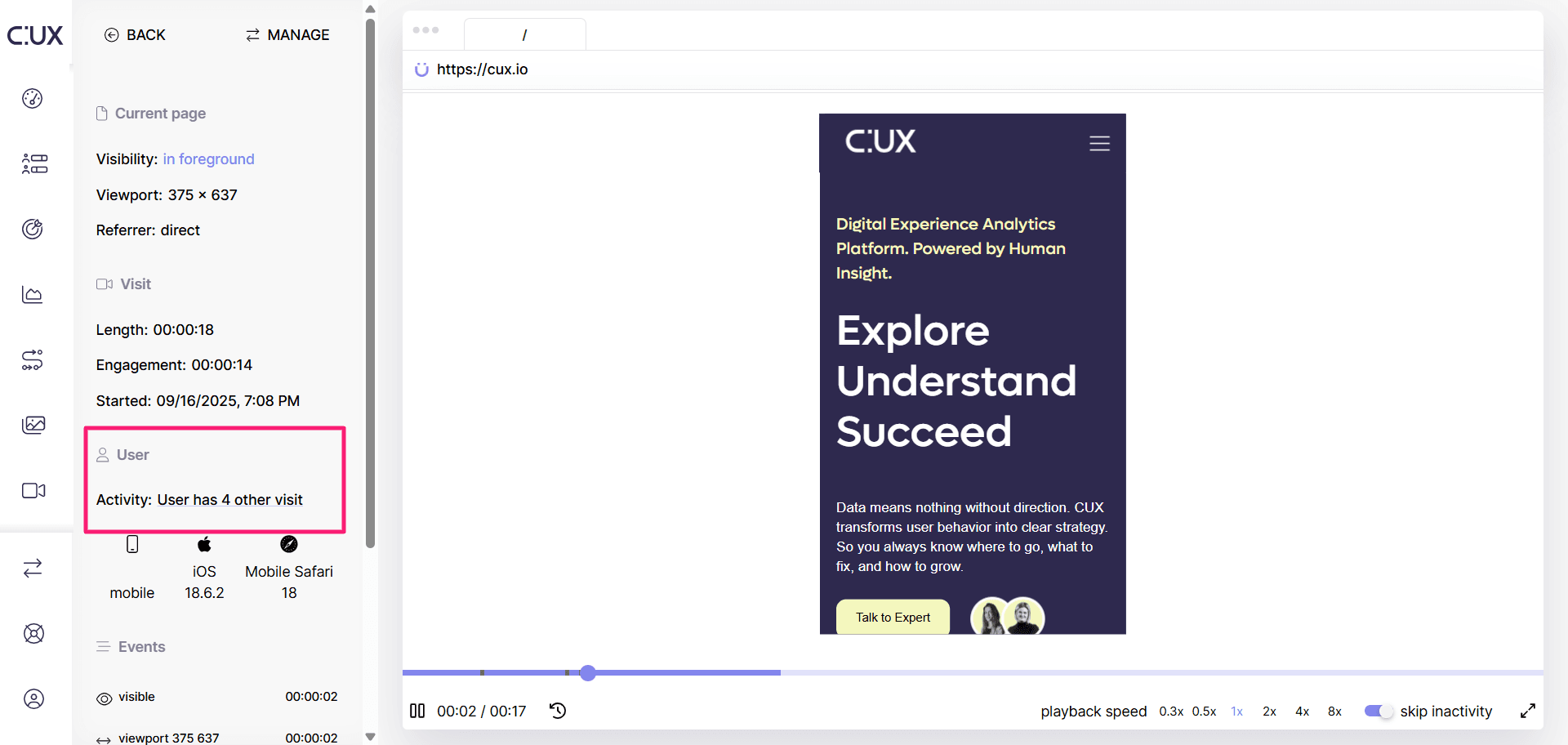
- Click the text link to see a list of all visits’ recordings of a given user.
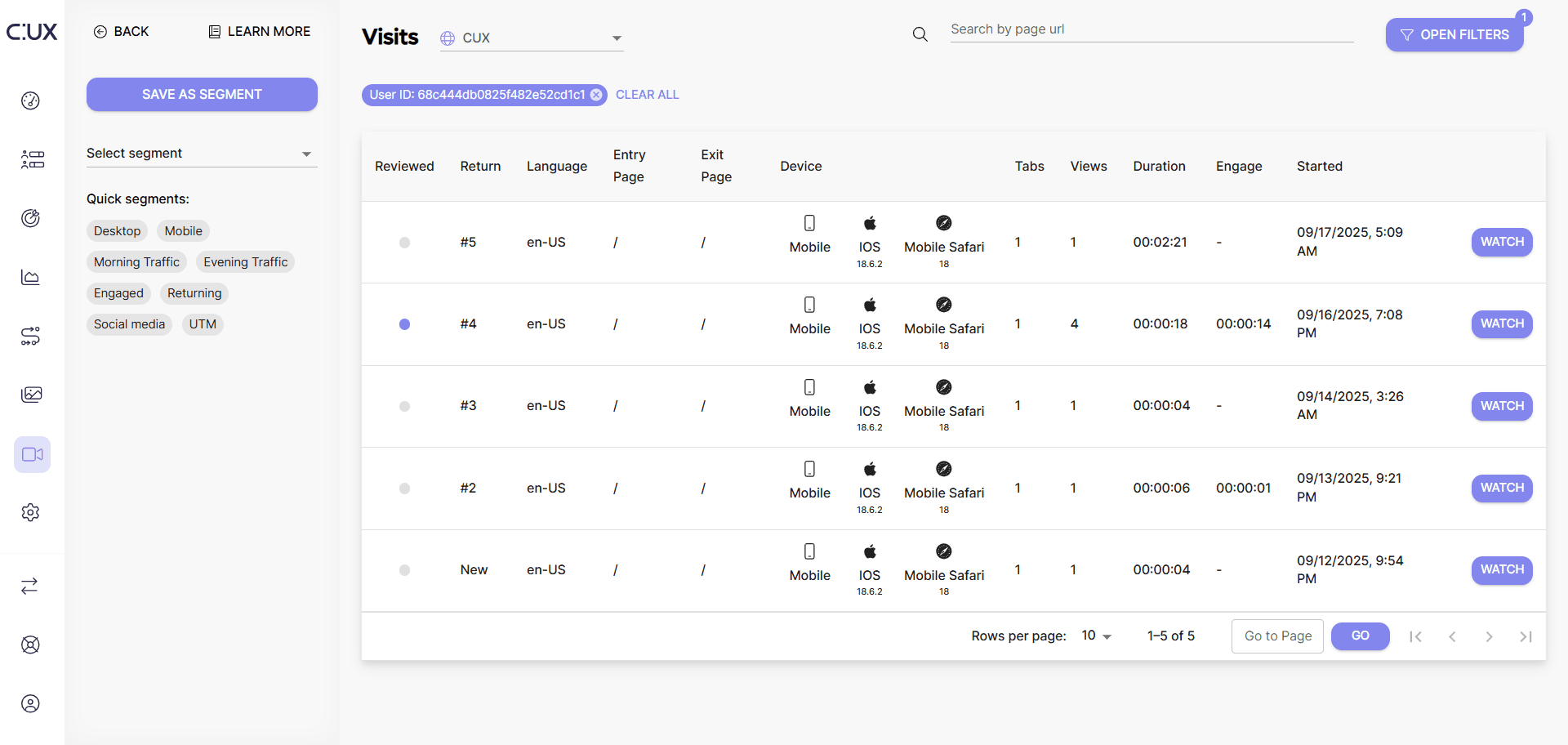
Why is tracking individual user activity on a website is useful?
- You can thoroughly examine the context of a single user’s customer journey.
- Facilitate users segmentation due to their behavior leading to the achievement of the given goal.
- It helps you track real cart abandonment (e.g. your clients may need 3-4 visits before making a purchase, so there is absolutely no need for you to pour money down the drain and set retargeting campaigns).
How to track the behavior of an individual user using different devices? By default, CUX identifies users based on browser cookies, which means that a single user accessing your website from different devices will appear as separate visitors. However, if your system has its own user database (for example, for logged-in users), you can track a user across multiple devices by sending your internal User ID to CUX. Once the User ID is sent, you can go to the Visits page and use the Identity filter to find all recordings associated with that user. This allows you to analyze a single user’s behavior across devices and sessions. For instructions on how to send User IDs to CUX, see this article.