If you found a recording you want to share with someone, who doesn't have access to your CUX project you can create a shareable link.
To share a visit recording:
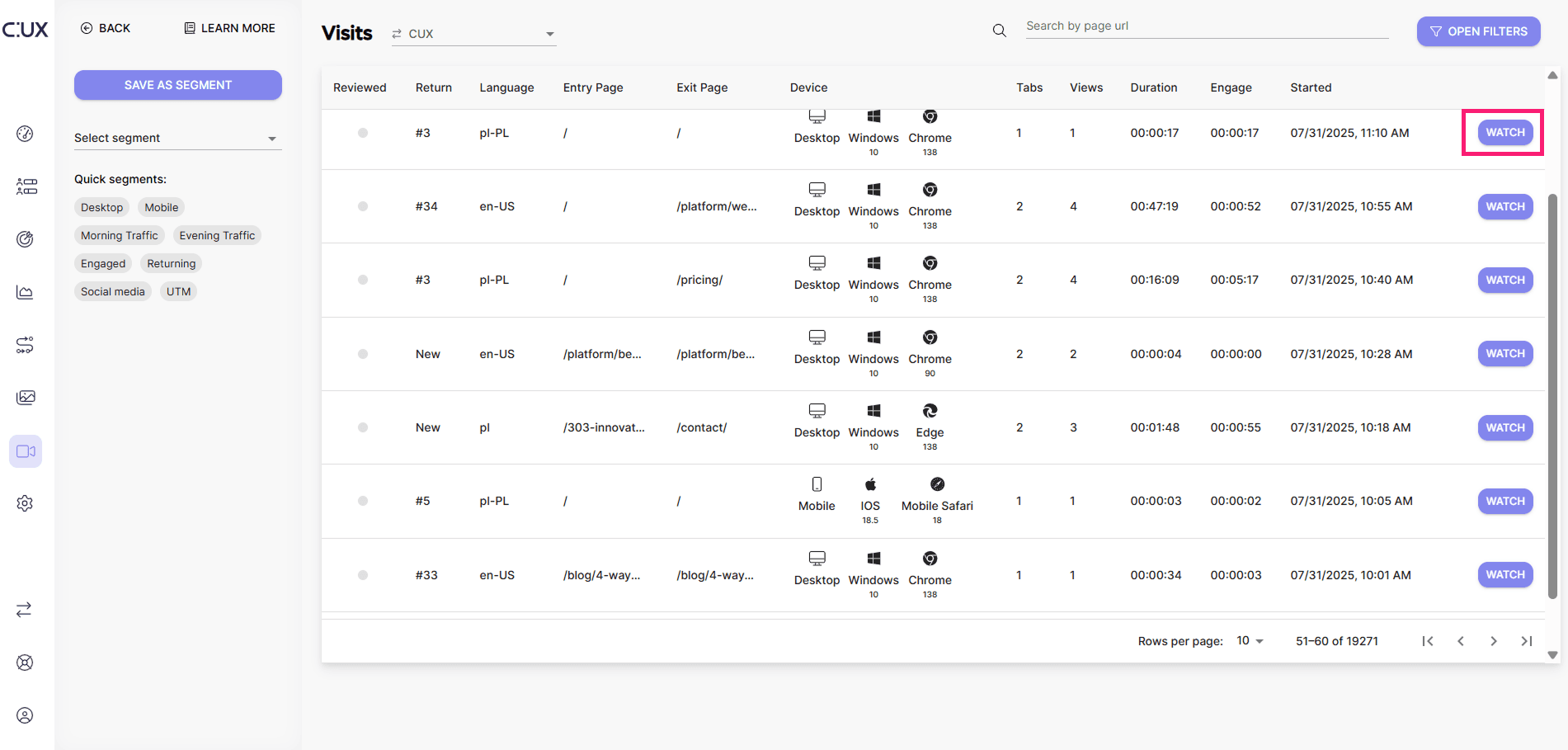
- Go to the Visits tab and click WATCH next to a recording you want to share. That would open a new tab with a visit recording.
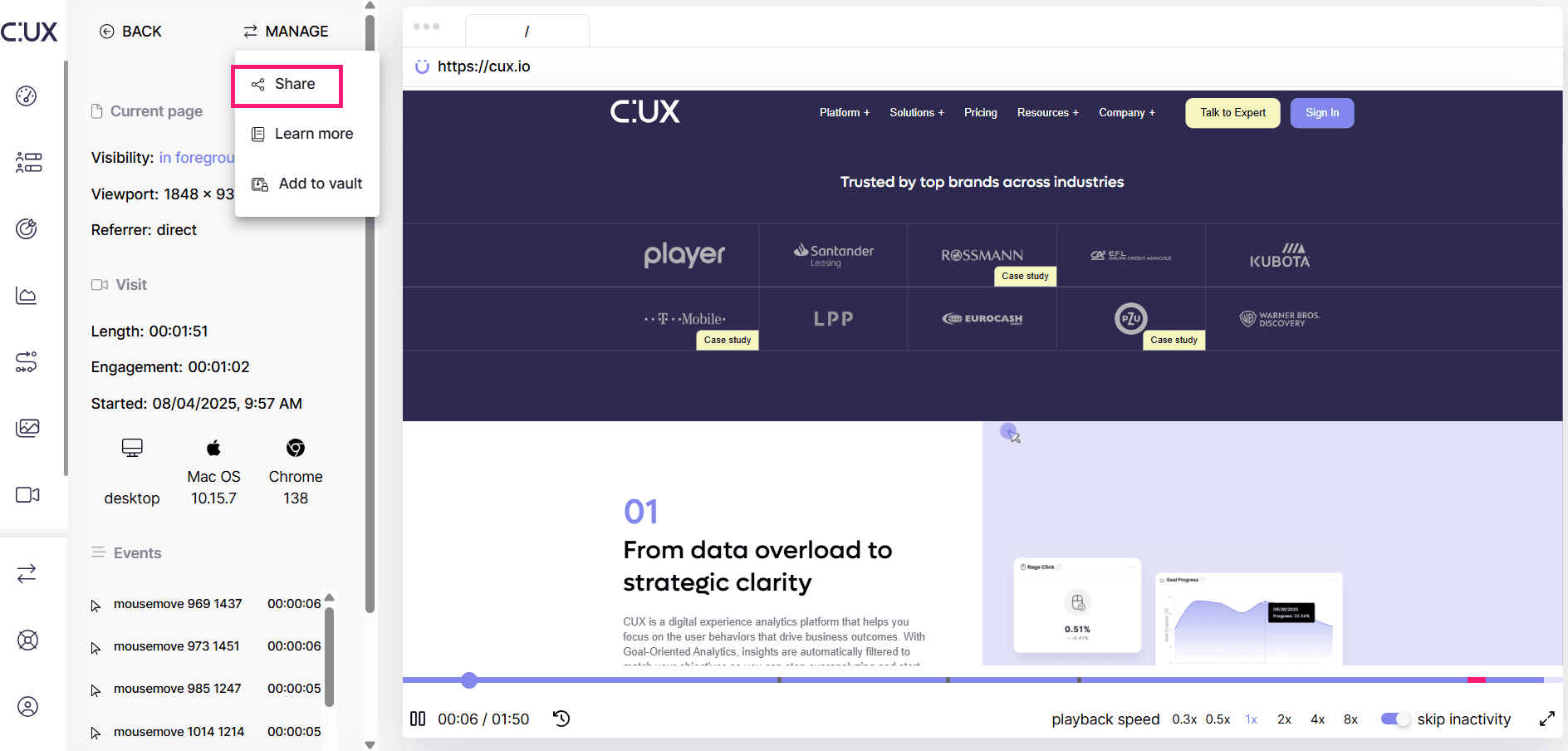
- On the left top corner, choose Manage>Share.
- Switch the toggle to allow this visit recording to be viewed publicly.
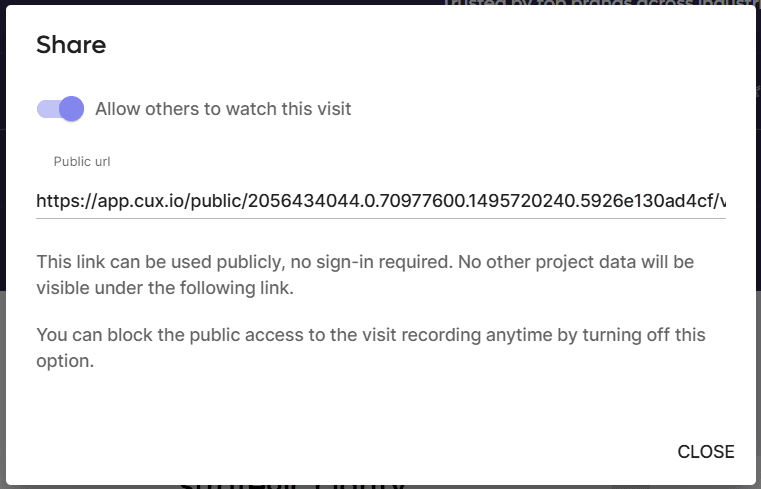
- Copy the public URL to your recording and send it to anyone you need.
- To stop sharing the recording, simply switch the toggle back off.
To quickly find saved visits, go back to the Visit tab, click “Open filters” and switch a toggle “Only shared” on the bottom of the filters list.