To edit a Waterfall:
- Open the Waterfall tab
- Choose a Waterfall you want to edit from the loist and click on Manage>Update Waterfall
- In the window on the left, you can edit the Waterfall's Name and Description
- In the Waterfall builder, you can:
- Change Waterfall’s name and/or description
- Edit existing steps settings
- Add steps Remove steps (if the number of steps is more than 1)
- Reorder steps by dragging tiles
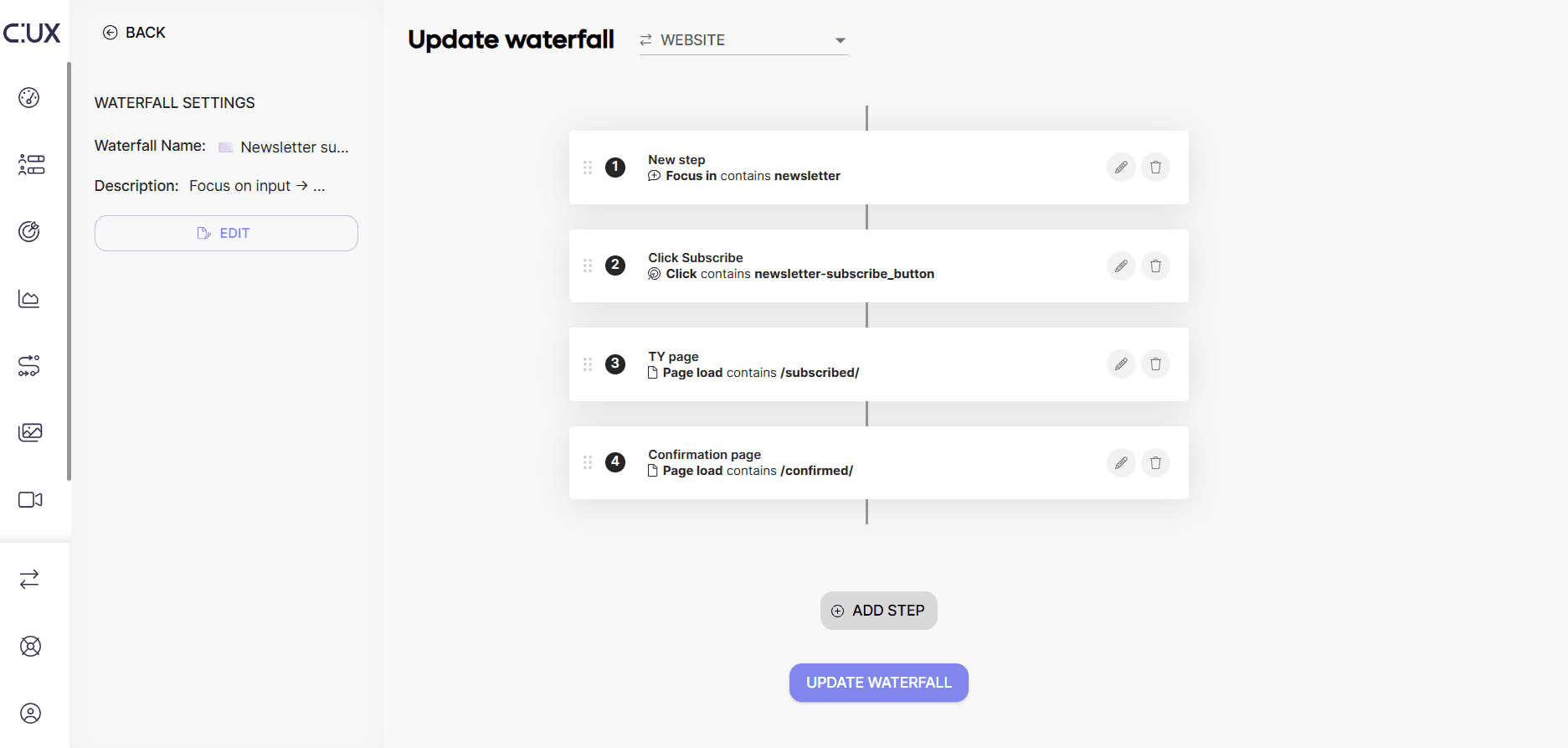
- To save changes, click on the 'Update Waterfall' button.