IMPORTANT! Visit vault is a feature available only to enterprise clients. If you want to add it to your subscription, please contact our sales team at sales@cux.io.Visit vault is a feature available only to enterprise clients. If you want to add it to your subscription, please contact our sales team at sales@cux.io.
You can save any visit to a Visit Vault, meaning you'll have access to this particular visit even when the other recordings from the same date will be removed due to a retention period limit. Recording will be saved in your project until the end of your subscription period, or project or account removal.
To save a visit to the Visit Vault:
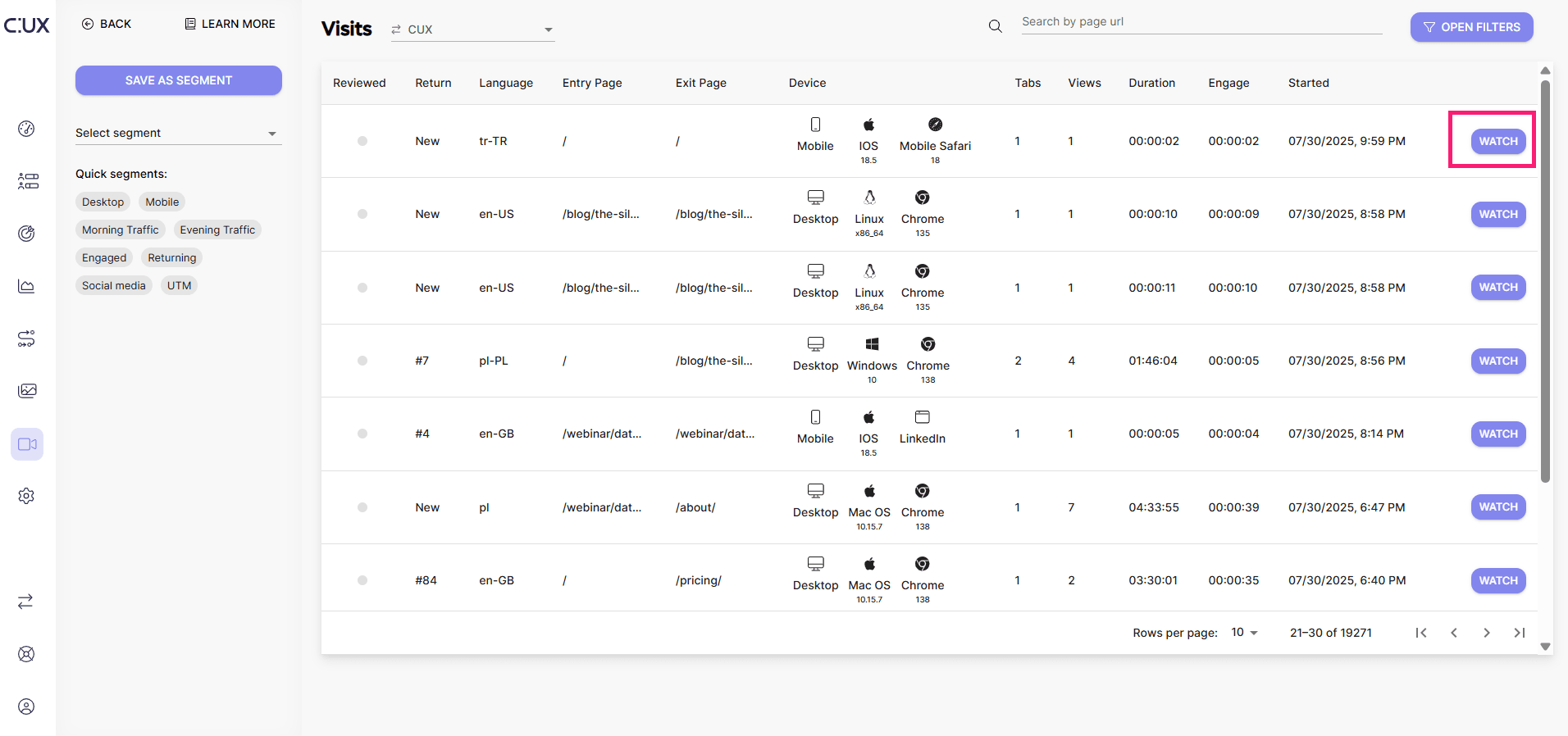
- Go to the Visit tab and hit PLAY next to the visit you want to save. That will open a new tab with the visit recording.
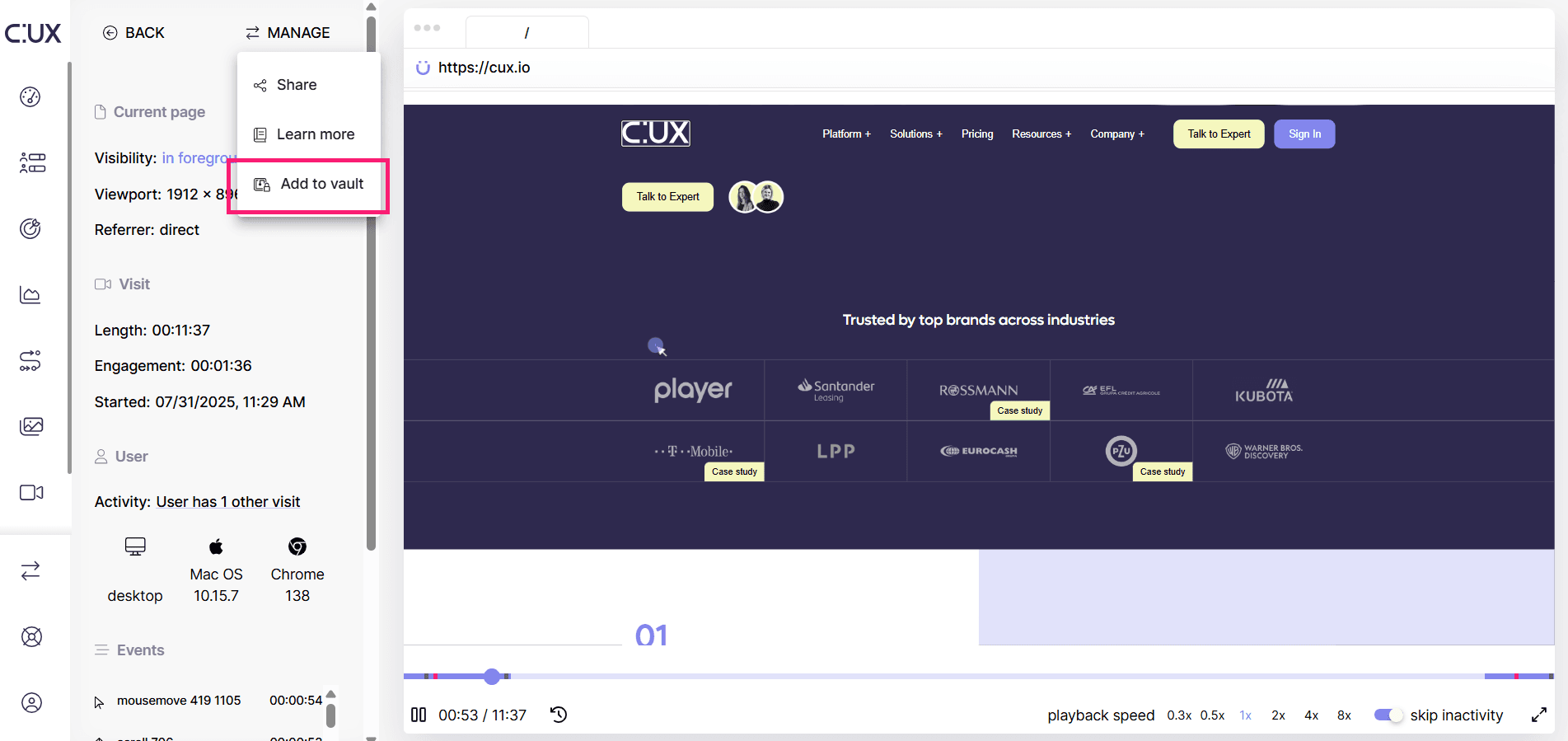
- In the top left corner, choose Manage>Add to Vault.
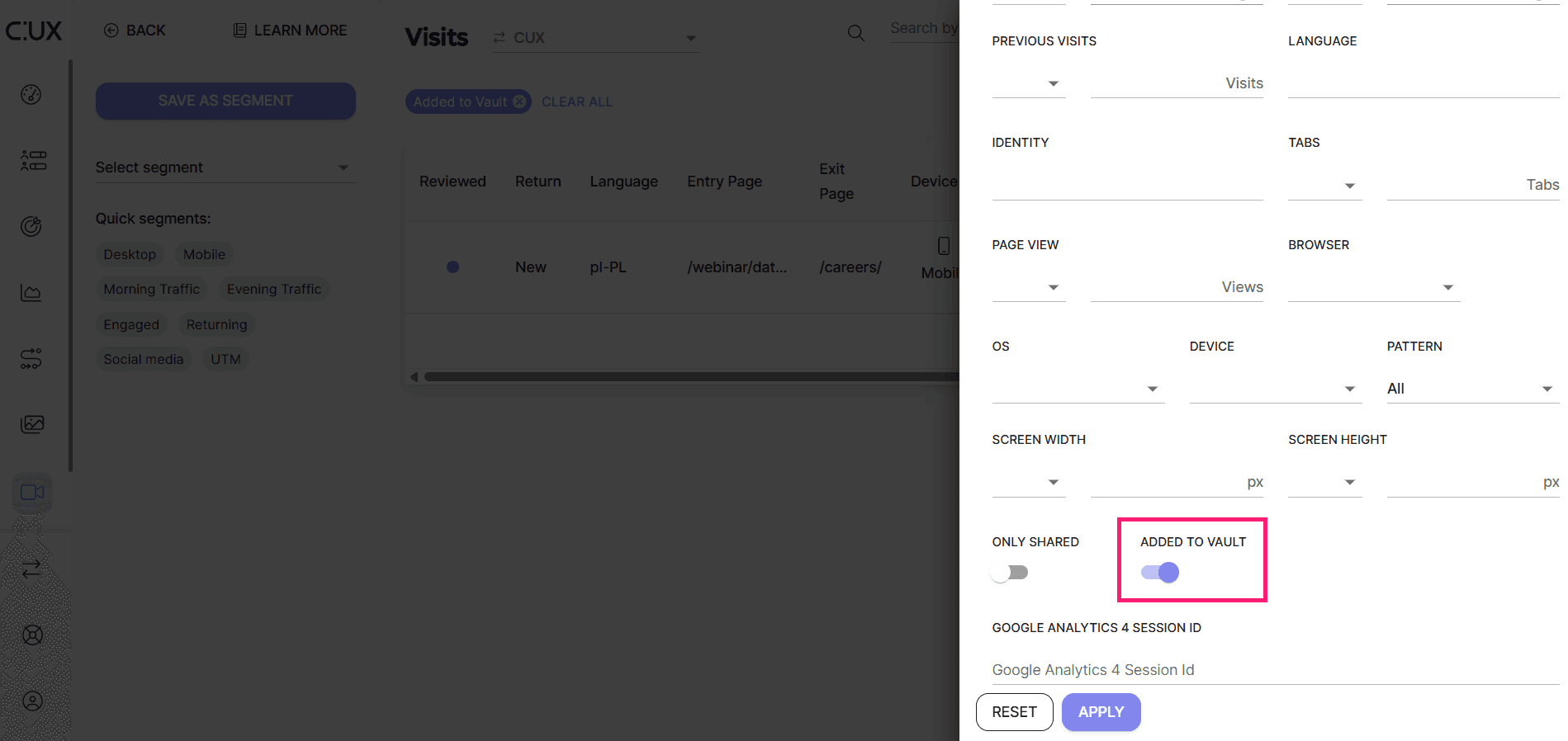
To access saved visits, go back to the Visit tab and click “Open filters”. Switch a toggle to see only visits from Vault and hit “Apply”.