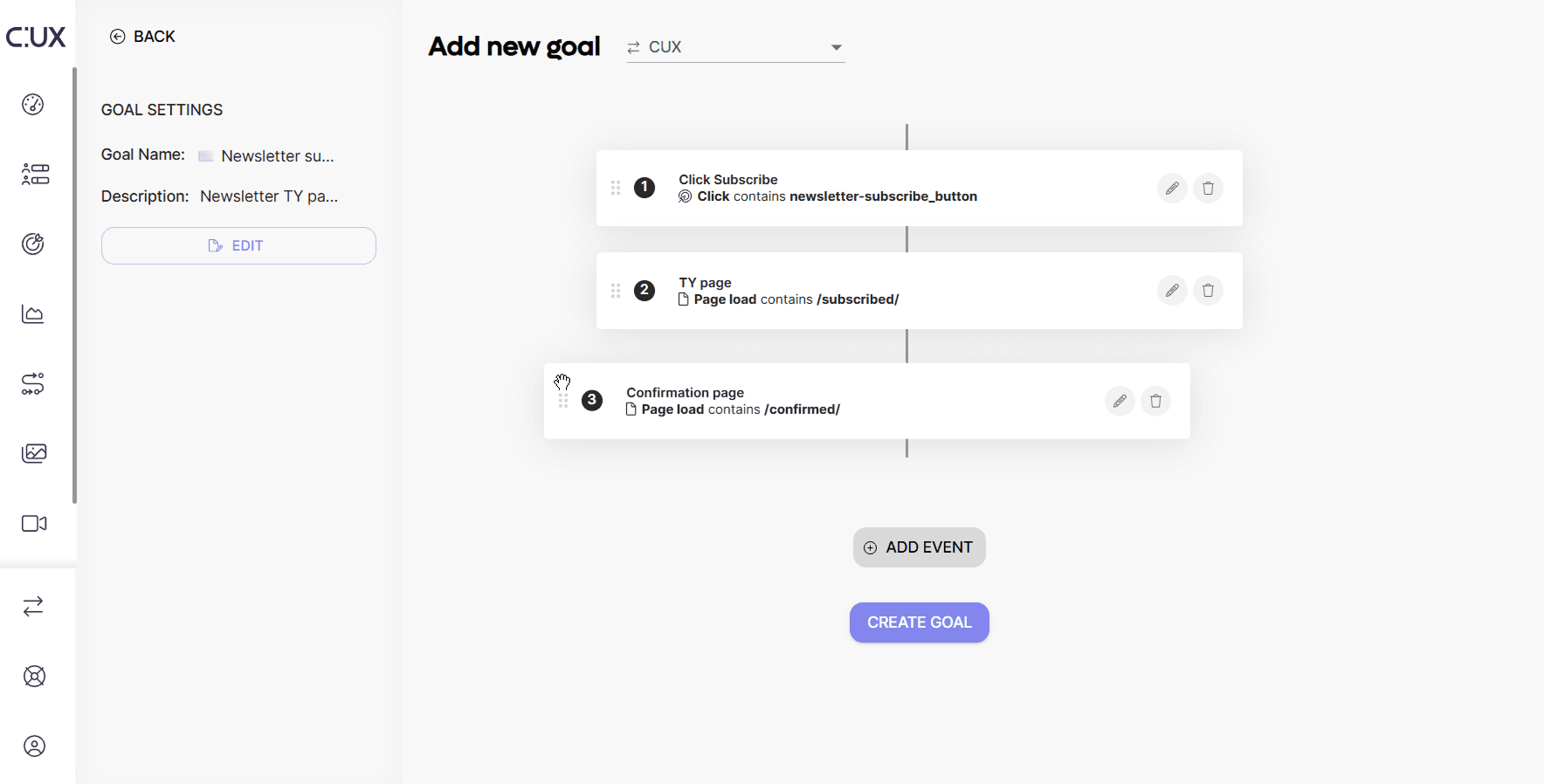
To convert a Waterfall into a Goal, follow these steps:
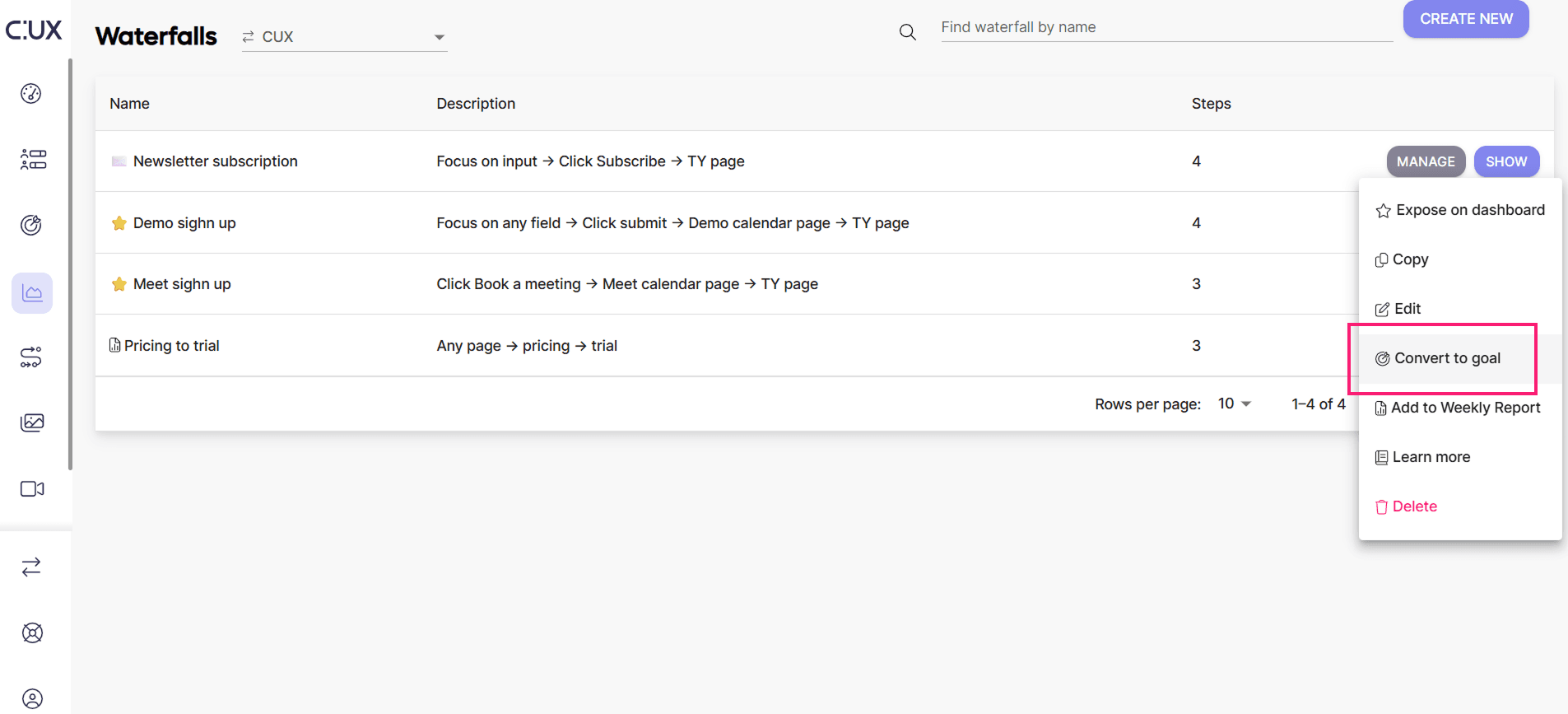
- Open the Waterfall list and choose a Waterfall you want to convert.
- Click Manage>Convert to Goal.
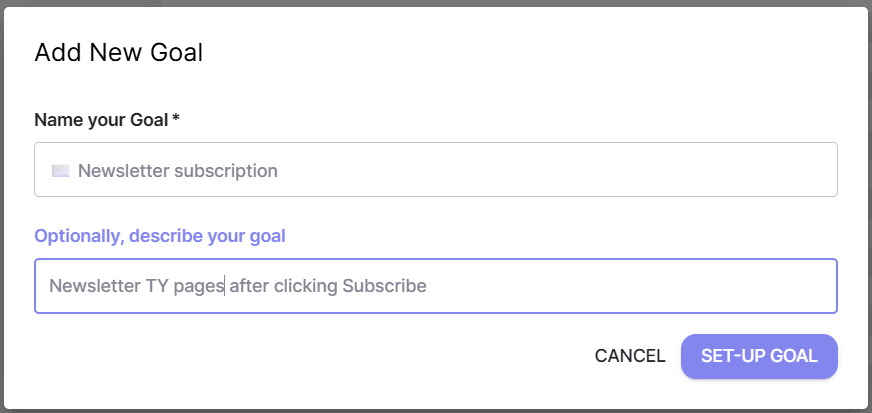
- Give the Goal a name and (optional) description.
- You can freely edit the Goal (add and subtract steps, change their order, etc.) or click “Create Goal” to save.