You can easily convert any Goal into a Waterfall. What’s the difference between them?
- Goals filter visits that collect all traffic that meets your goal settings, regardless of the order of events in a goal objective For example, if you set a Goal for two events - clicking 'Add to cart' and /cart/ page load - CUX will filter all visits that contain both of those actions in any order.
- Waterfalls, on the other hand, show the flow of the users between configured steps. It helps to identify which points of user journey are generating most drop-offs or how many users successfully finish the task. For example, if you create a Waterfall with three steps - product page load → click on Add to cart → /cart/ page load - CUX will show how many visits included the first two steps and, within those, how many continued to the Cart page.
To turn a Goal into a Waterfall:
- Open the dashboard for the Goal you want to convert.
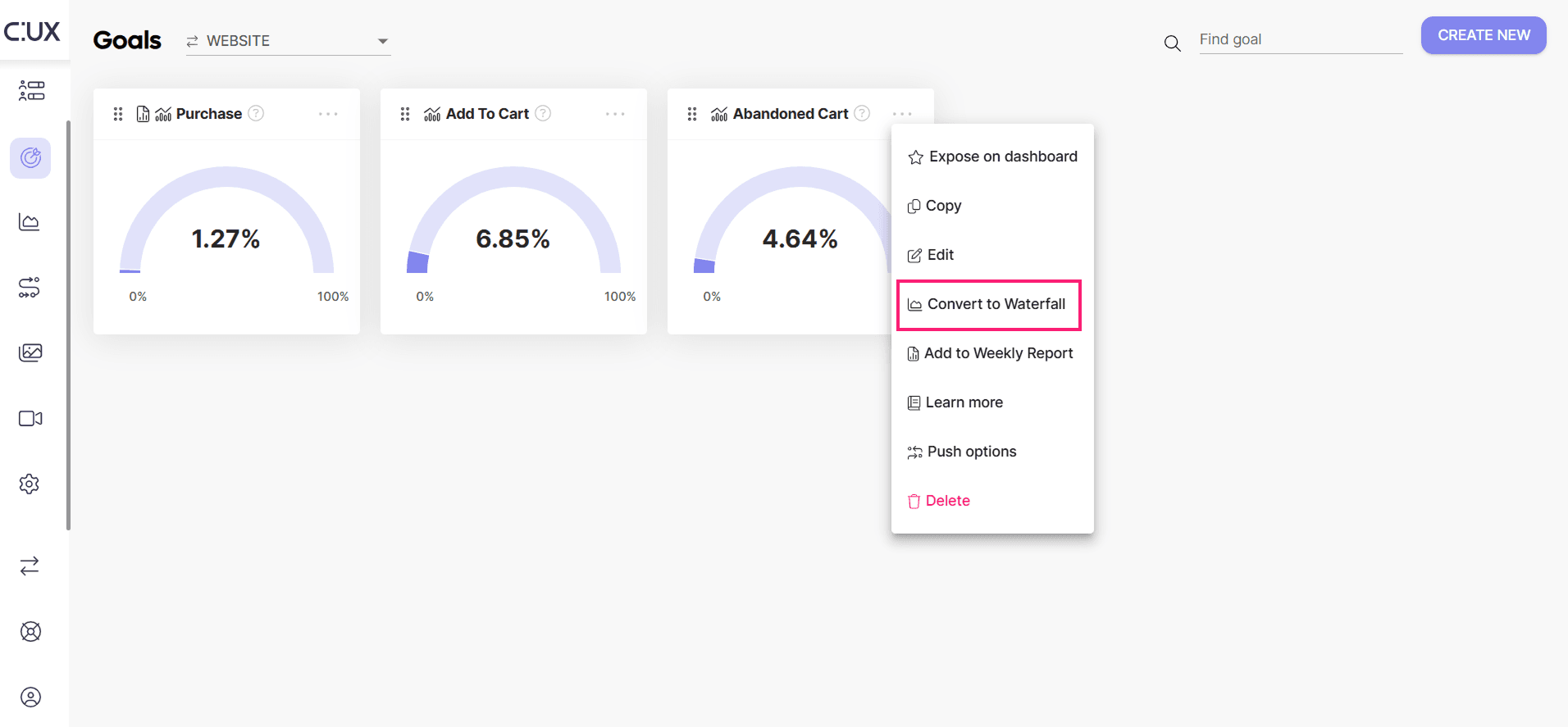
- Click Manage>Convert to Waterfall.
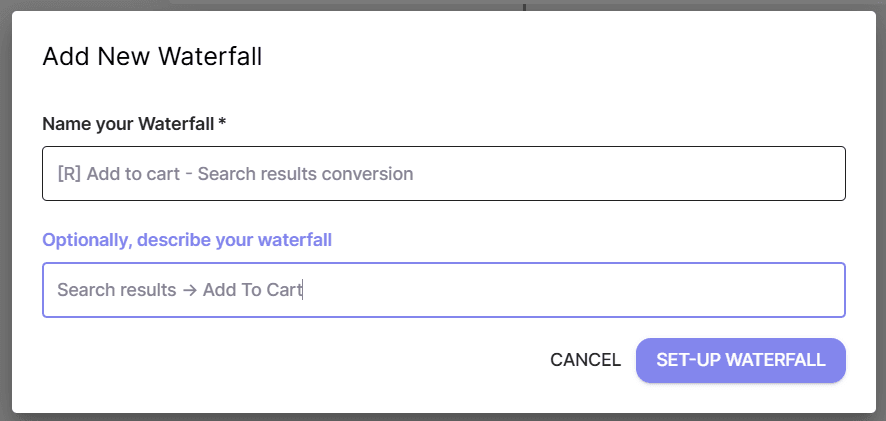
- Give the Waterfall a name and (optional) description.
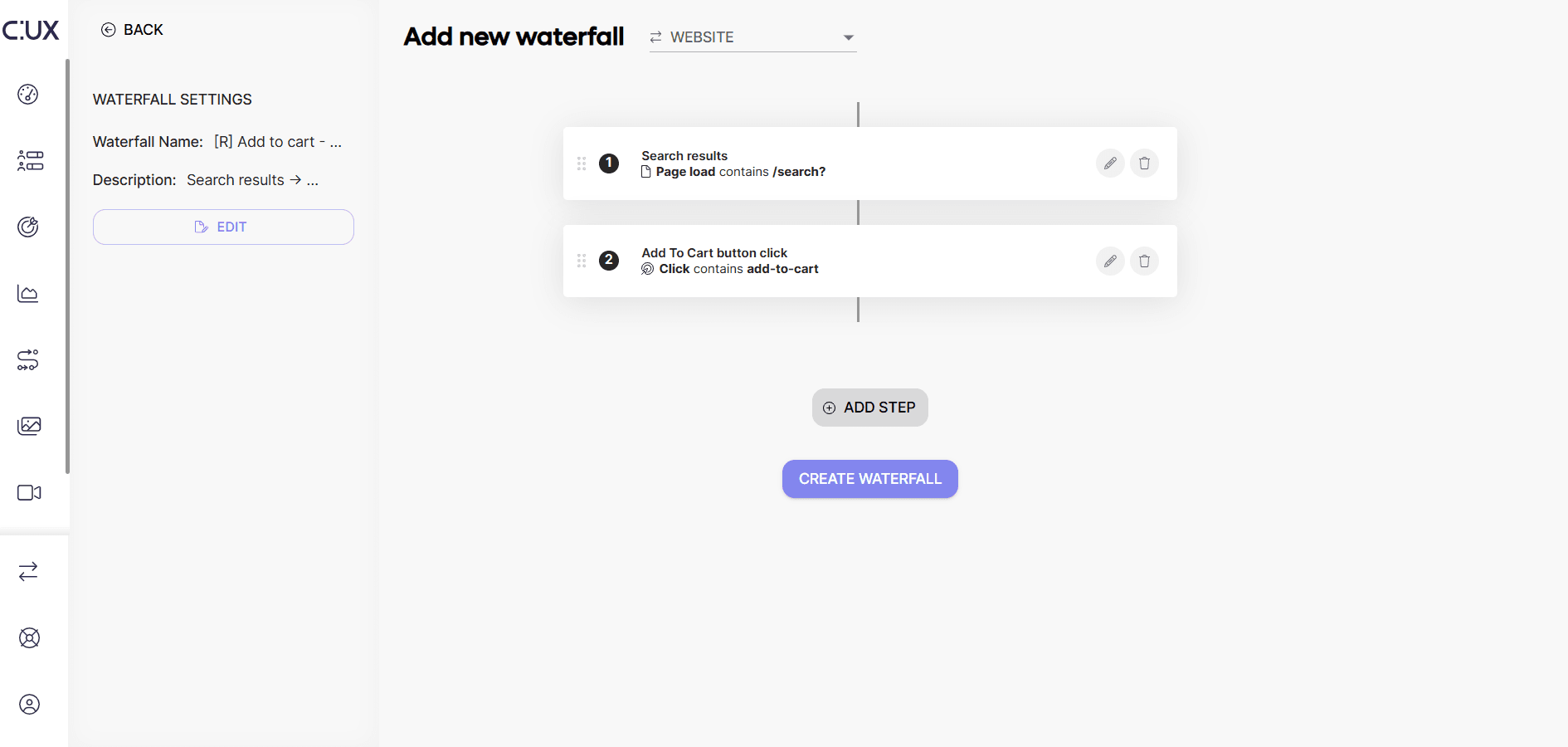
- You can freely edit the Waterfall (add and subtract steps, change their order, etc.) or click “Create Waterfall” to save.