On this page
An organization brings together your team, projects and subscription. Use its settings for shared administration rather than changing your personal profile.
Open organization settings
- Open the user menu in the top-right corner.
- Select Organization.
- Choose Contact Details, Billing or Members.
If Organization is missing from the menu, ask your organization admin for help.
Update contact details
Open Contact Details, select Edit, update the relevant fields and select Save. Use the organization name, address, country and tax details appropriate for your organization.
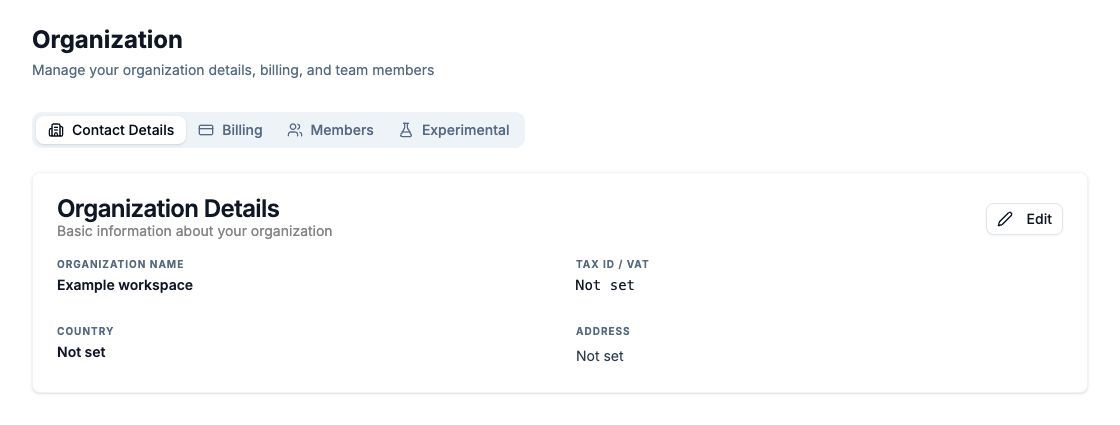
Example organization; optional details have not been supplied.
Manage members
Open Members to review the team and invite a new member. Available seats depend on your organization's limit. See team roles before changing access.
Review billing and projects
Billing shows the subscription and available billing actions. Follow subscription management for the appropriate billing provider.
Use the user menu's Projects entry to find projects you can access. A project has its own analytics and collection settings.