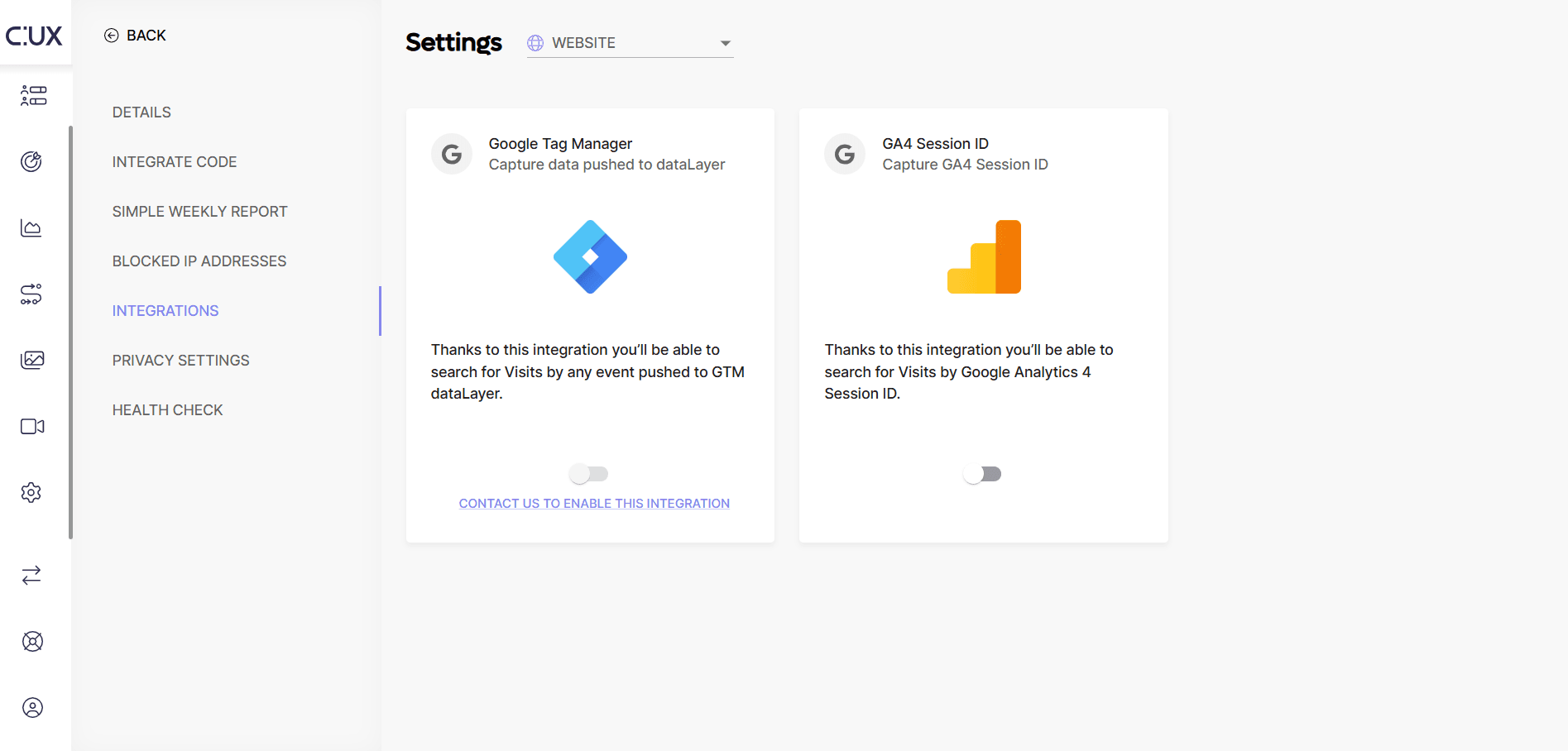
CUX integration with Google Analytics allows you to extract the Session ID from GA and send this information to CUX. To enable CUX x GA4 integration, you need to do 2 things:
- Go to Settings and choose “Integrations”.
- Switch a toggle to enable a selected integration with your Google Analytics account.
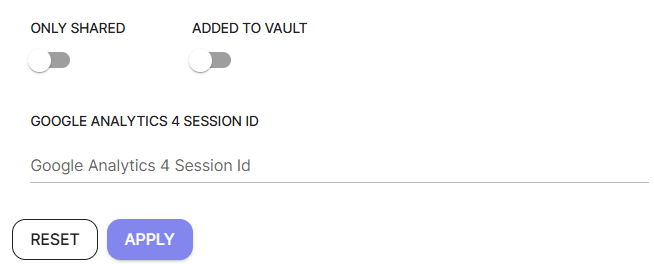
 To find recordings by a Session ID:
 - Go to the Visits page.
- Click Open filters.
- Scroll to find the GA section in filters.
- Paste or type in a Session or User ID.
- Press Apply and investigate your filtered recordings.
Please note that this filter will appear only if you have enabled respective integrations.