The final step is to implement the CUX tracking snippet on your website. This process can be completed either by you or your development team. You can integrate the CUX snippet in two ways:
- Install directly on your Project site. You can either copy and install the snippet yourself, or send it along with the instructions to your developer. See: Installing snippet manually
- Install via Google Tag Manager. This is the simplest method - as long as Google Tag Manager is already configured on your website.
See: Installing CUX Snippet With Google Tag Manager
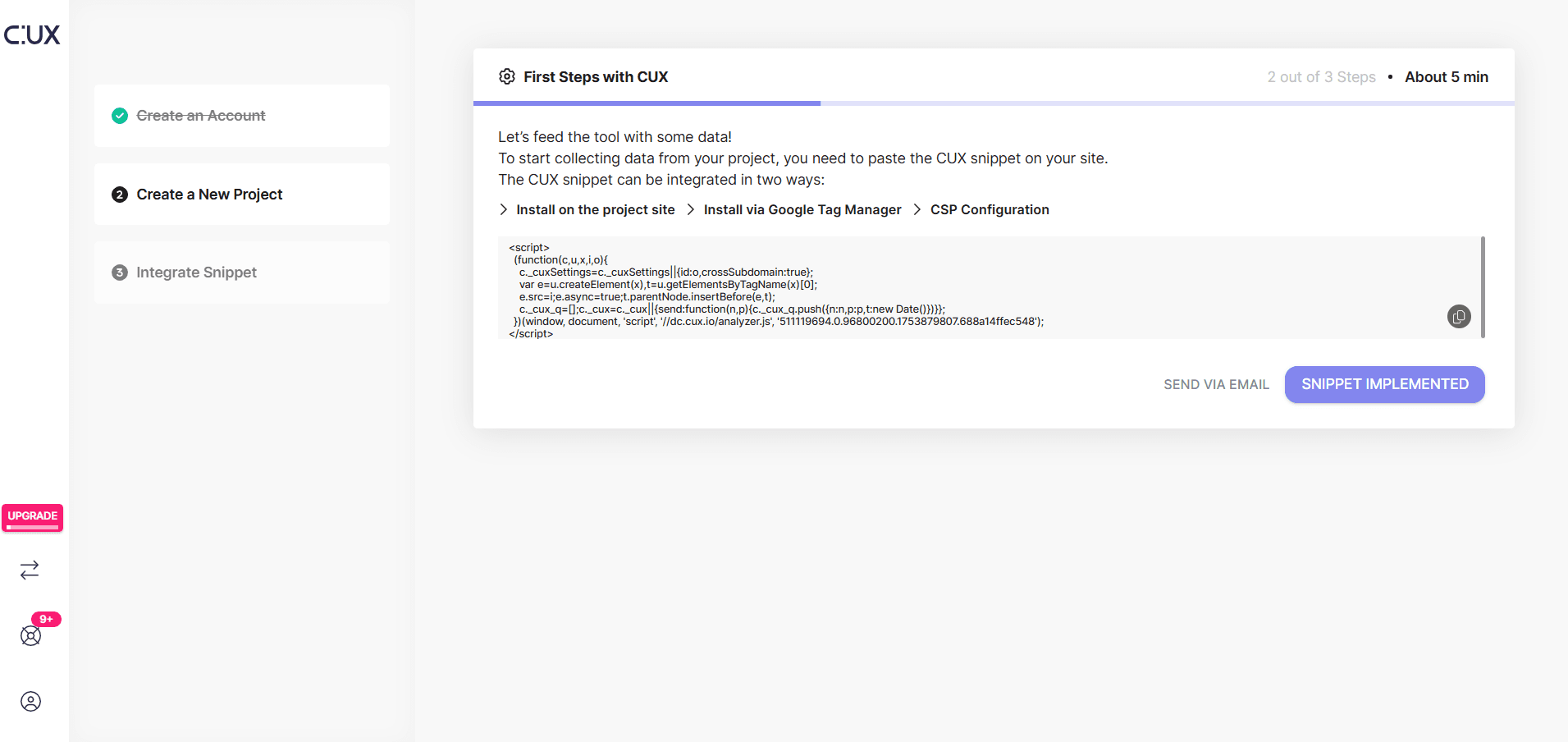
CSP configuration If your website uses a Content Security Policy (CSP), it adds an extra layer of protection by specifying which sources of content can be loaded. We provide complete CSP configuration details during onboarding - you can either copy them directly or forward them to the appropriate person in your organization.