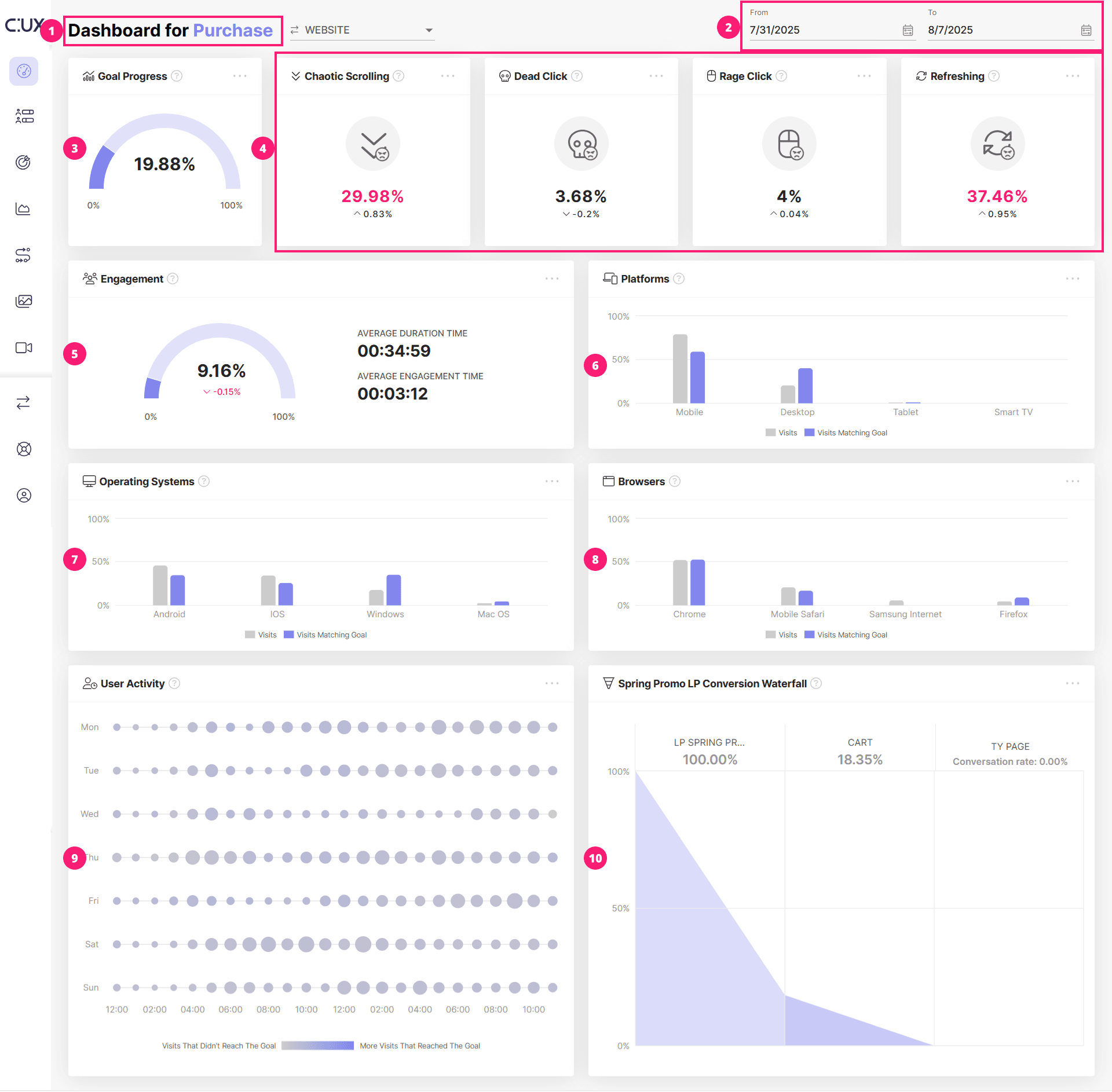
The dashboard is the first thing you see after logging into your Account or switching the Projects. Here, you can see the summary of the data about visits that have completed your selected goal visualized with widgets.
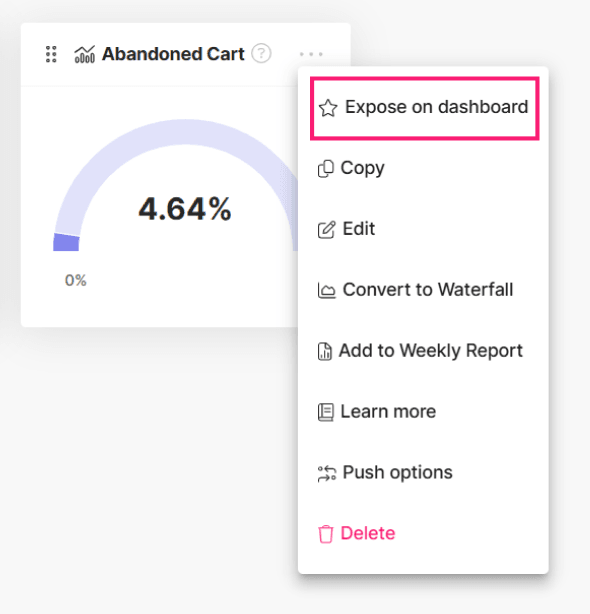
CUX does not limit the number of goals you can create. However, in most cases, you will have one primary goal that you want to monitor more closely (for example, a purchase). To highlight this goal, open the goal’s contextual menu (three dots in the top-right corner of the goal) and select Expose on the dashboard.
Please note that the first goal you configure will be displayed on your dashboard by default.