Segments help simplify your analysis by saving sets of filtered visit recordings. Instead of applying filters manually each time, you can save your configuration and quickly access visits within it whenever needed.
To create a Segment in CUX:
- Go to the Visits tab and click “Create New Segment”.
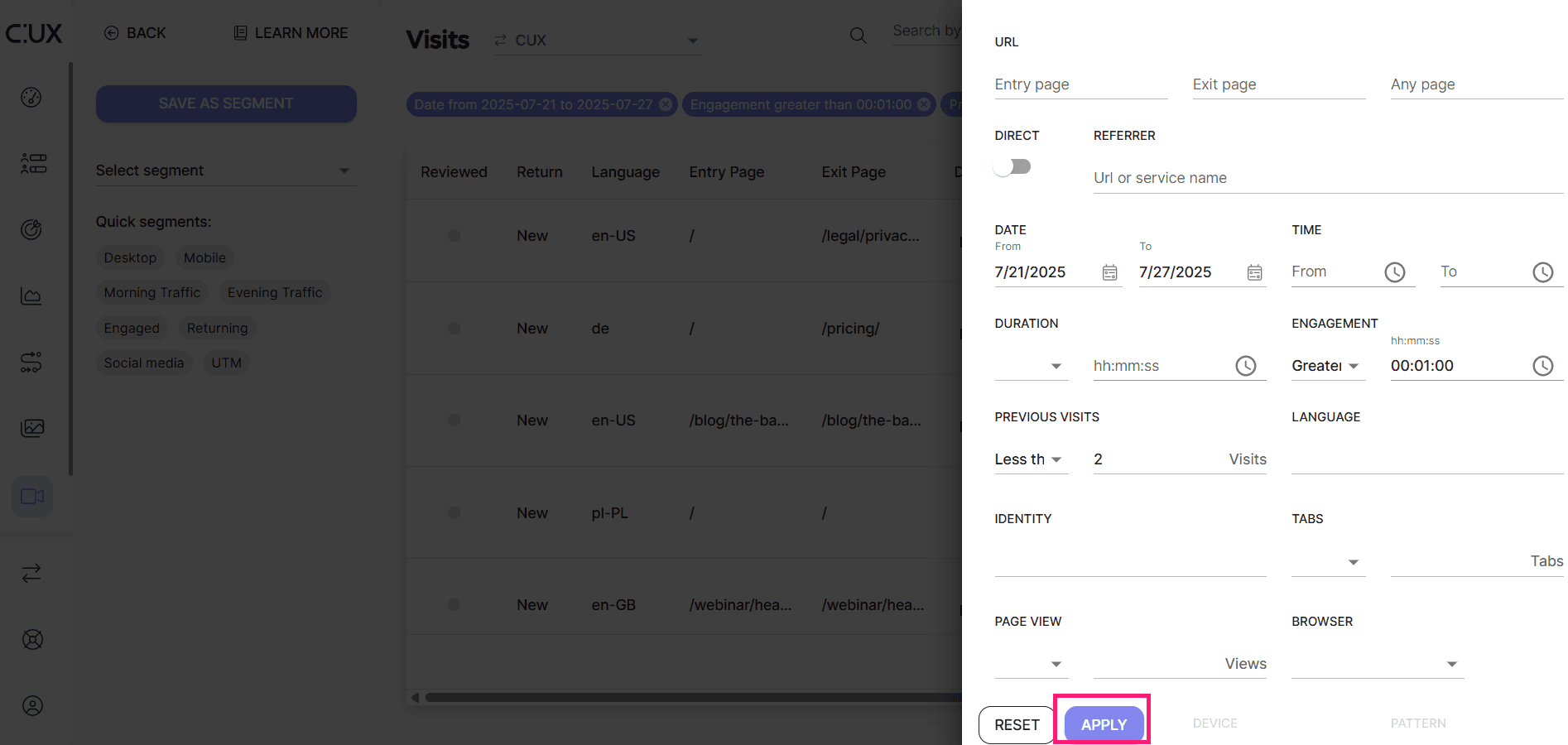
- Set up any filter configuration that you need and hit “Apply”.
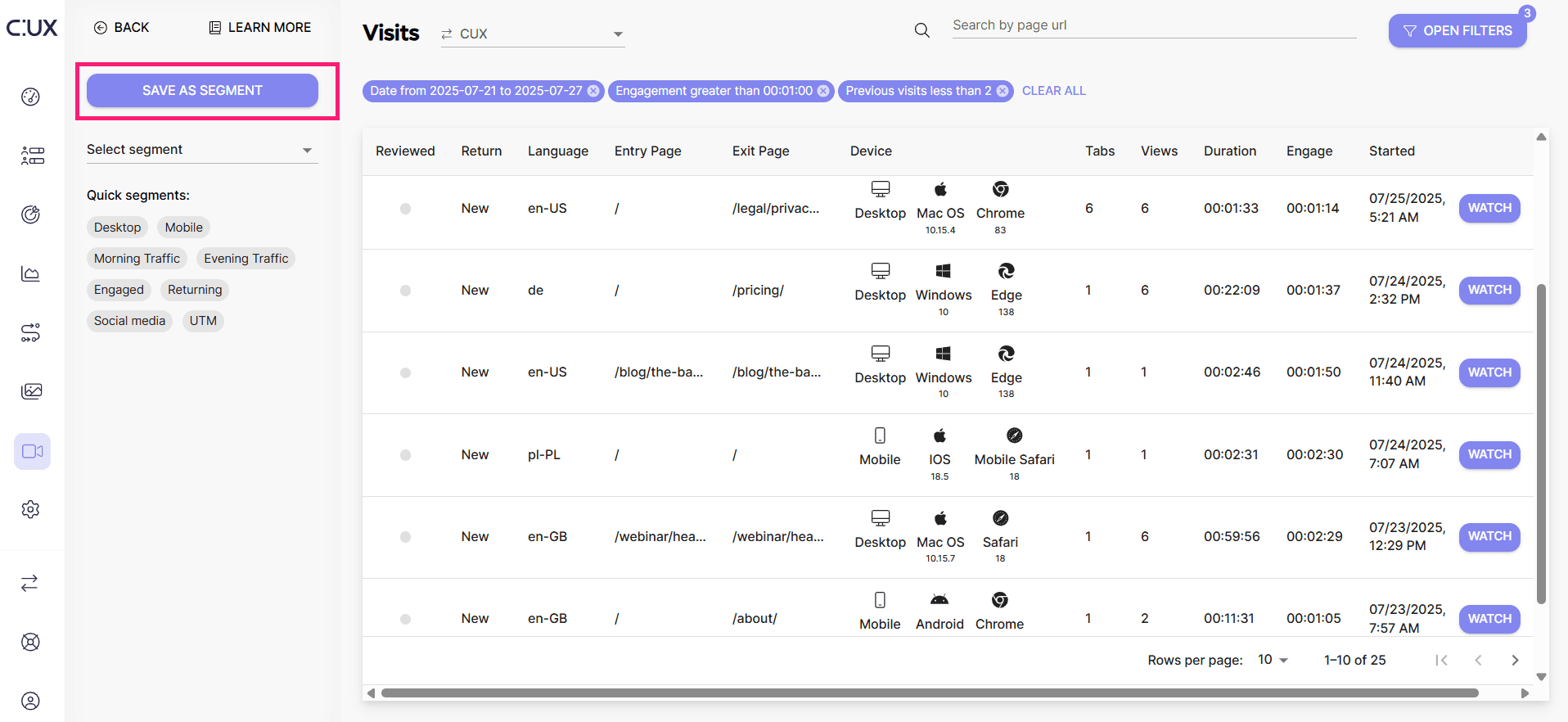
- Click “Save as Segment”.
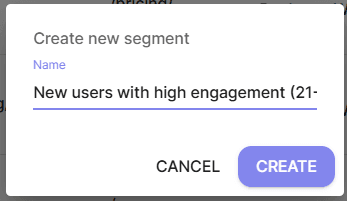
- Name your Segment, so you can easily remember its configuration.
 Each time you need to come back to your filtered traffic, just use the menu “Select Segment”. CUX will automatically filter out the visits you need.