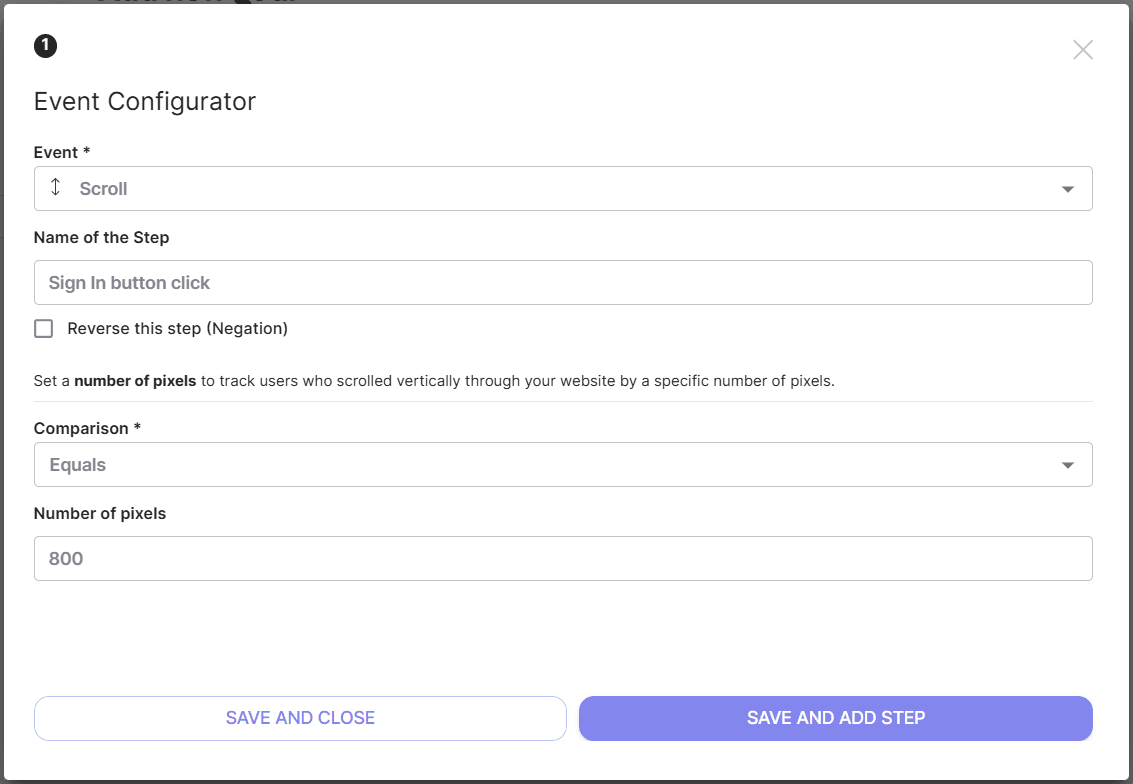
The scroll event allows you to track users who vertically scrolled your website by a specific number of pixels. You can define the preferred scroll height in pixels to mark user action who gets to a particular area of the page, for example, below the fold.
To set a Scroll event:
- Choose event “Scroll”;
- Type the Name of the Step (optionally);
- Choose Comparison type:
- Less than
- Greater than
- Equals
- Type the number of scroll height in pixels;
- Save the event
NOTE: the pixels used in the Goal are calculated by the visitor browser. You need to verify these numbers by displaying the page using various screen resolutions. This is especially important if the code of your page uses relative units of measure like em or rem!