Alerts are e-mail notifications about the progress of your Goal that we send to you automatically. What values and goals interest you, you set yourself. You can set up alerts for any number of your goals.
How to turn on Goal alerts in CUX?
- Log into your account.
- Go to Goals and select the 'Alerts' tab. Click 'New Alert'
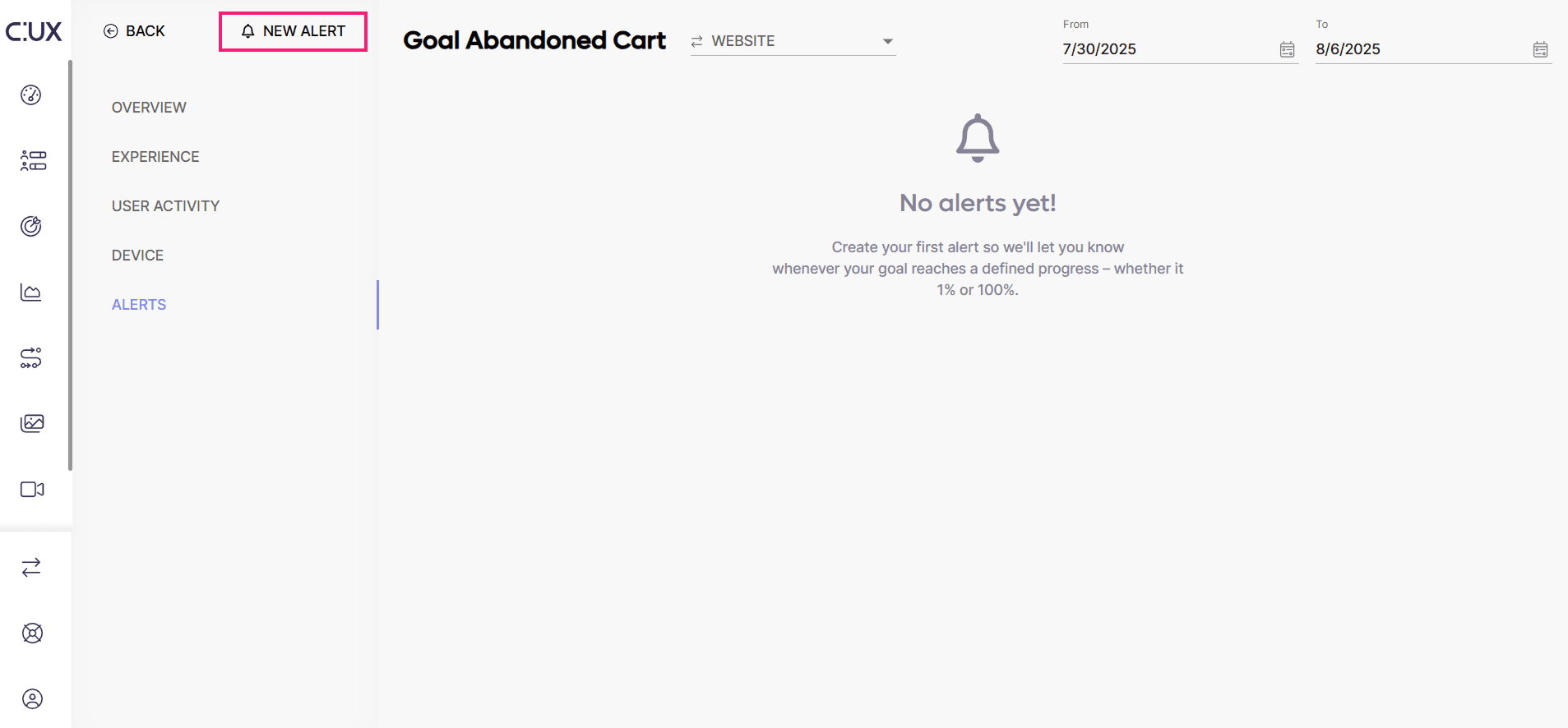
- Start with a name. Try to enter a meaningful name so that you’ll know which alert is reaching your inbox.
- Enter your e-mail address.
- Set up a preferred variable and its value. You can either choose to be alerted when the Goal progress is Greater than or Lesser than a given percentage.
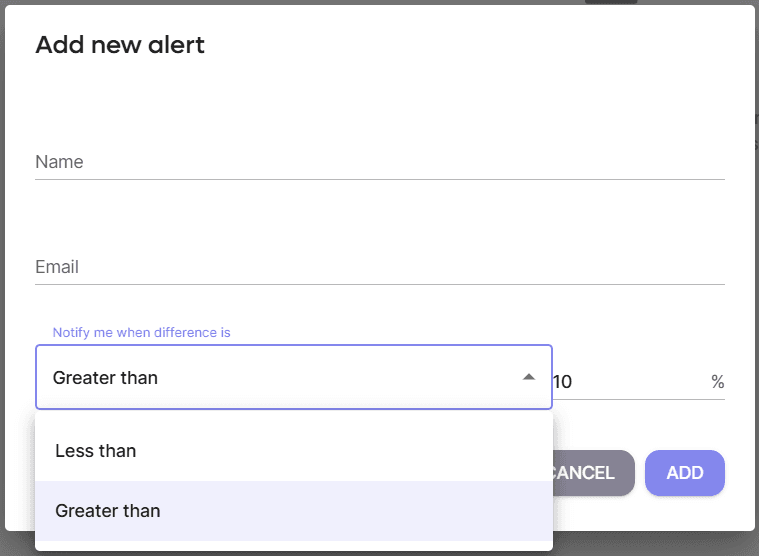
- Add a new alert - you will receive an email when your goal will reach the % you’ve set.