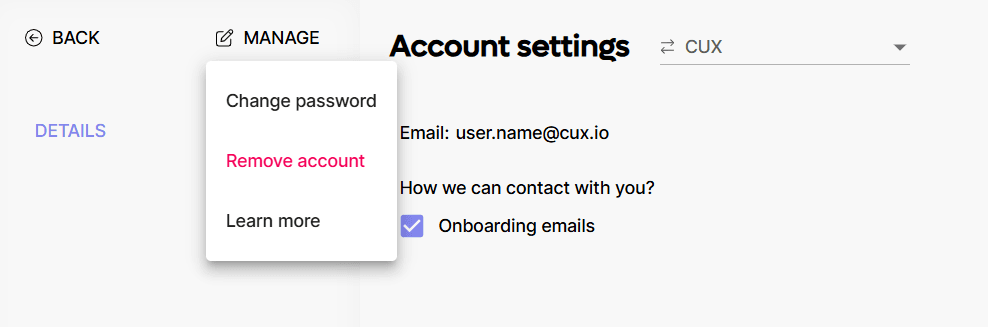
An Account is your personal access to CUX. You only need to create an account at app.cux.io/register if you want to start a new project and organization. If you want to join an existing organization instead, the organization admin must send you an invite link.
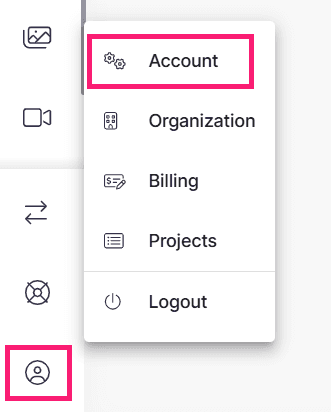
From your Account, you have access to your Organization and all Projects and Teams that you create in CUX. You can check your account details in Account Settings > Account.
 In this section, you also have the option to change your password, delete your account entirely, and select your preferred method of contacting the CUX team.